
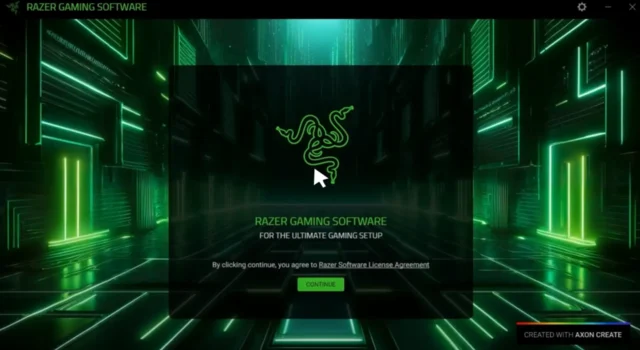
Razer Synapse is a software developed by the famous tech products company, Razer. The company is known for creating high-tech and futuristic gaming accessories. The software helps you understand Razer devices. It helps you in customizing the Razer devices, which include the lighting, functionality, sensitivity, and more.
It saves the settings you have customized and saves them in a cloud account so that you have access from any computer. It is a software that can make your comfort zone with your Razer devices. Further, I will guide you to the usage of Razer Synapse and its features.
5 Easy Steps For Installing and Using Razer Synapse
There are a few simple steps to take in Razer Synapse that you can follow to have more interest in your work with a comfortable interface.
- Download and Installation: To download the software, you have to visit the Razer website and download the software for your device. After downloading, open the file and follow the steps for the installation.
- Creating an account: After the installation, you need to create an account on Razer Synapse. You can create or log in to one in the software.
- Connect your Razer device: After completing the above steps, you have to connect your Razer device, a mouse, keyboard, or headset.
- Creating profile: Razer Synapse also allows you to create a customized profile for different games. The profiles consist of in-game saved settings. You can create one in the Profile section.
- Customization: After opening and connecting the device, you can now start customizing your Razer device.
You can change the lighting by clicking on your device name or icon. Then go to the lighting tab and choose your preferred lighting effect.
To remap buttons, you may go to the Customize tab, select your device, and choose a new function. You can also adjust the DPI by going to the Performance or Sensitivity tab and adjusting the speed of the pointer.
You can also create a macro to perform a task that includes sentences or a combo in a game. It is advised to keep the software up to date to have the latest features. You should also use cloud sync to save your profiles online so that you have a backup of your settings. You may also add extra tools like Hypershift to get even more functions from your devices.
Razer Synapse is a powerful and useful tool that provides you with a cool and personalised interface for your Razer gaming gadgets. It provides you with the cool feature of creating a profile so you can enjoy your favourite personalised interface anywhere.
With a few simple steps, you can turn your Razer mouse, keyboard, or headset into your preferred, comfortable, and friendly tool.
For more such quick guides on popular software, stick to Dominade!
